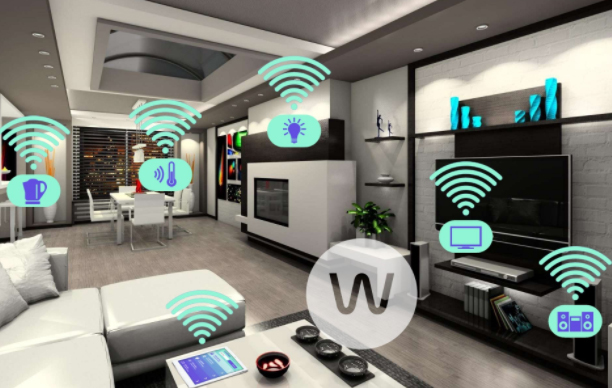
Best Smart Home Gadgets for Home automation- Smart home
The home automation now is no longer be unavailable in the near future as now they are available in the form of the smart home devices. These products will simply add a bit of the science fiction to your home.There are various Best Smart Home Gadgets for your smart home which you can buy this year. Then whether it is turning your lights on from a smartwatch, unlocking your door automatically, checking your washing machine being stopped suddenly just from your own device. The smart tech gadgets not only just makes the things easier but they also massively improve up the functionality.
So are looking to make your home smarter? Well, there is an ample number of the Best Smart Home Gadgets which lets you control the lighting, thermostat, crock pot just from your smartphone which is rapidly growing. You can also select and get your favorite home gadgets according to your own needs on your own terms, or you can also opt for the entire smart home gadgets available in the market that does all the work for you with your instructions through your mobile. Here with this article you will get to know some smart home systems and individual gadgets
With the advancement in the technology, each and every individual is changing up their home automation with the cool gadgets which have changed individual’s lifestyle. These gadgets are not just really fancy, but they also provides you the quick solution to everyday problems. These gadgets have simple designs, as well as improved functionality ,which has thus reduced human effort and conserves space.
Best Smart Home Gadgets for Home automation
Here with this article, you will come across some of the Best Smart Home Gadgets to be used :
Robot vacuum cleaners:
The robot vacuum cleaners are a pioneer in the field of engineering and have made floor cleaning and vacuuming much easier with a range of the Deebot from Evoovacs. D77 is one of the latest Deebot which offers 3-dimensional home cleaning solution that has the smart technology to detect as well as navigate the obstacles. This is the smart floor cleaning solution for every smart home .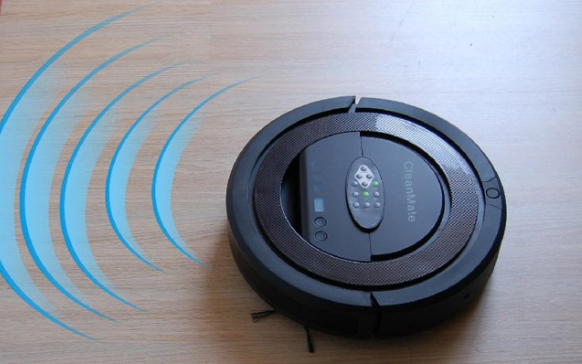
This gadget has the tendency to automatically empty its dust bin. this gadget has different modes to clean the floor. Also, you can pre-set this gadget so that you can use it afterward to clean the floors with the intelligent scheduling feature when you are not at home. This is a smart device can easily clean your floor with the application present in mobile.It is one of the Best Smart Home Gadgets.
Clocky robotic alarm:
Do you feel that you need an alarm which can outsmart and helps you in waking up instantly? If yes, then the clock robotic alarm is just for you. This clocky robotic alarm will make you run around the room before you get off from your bed.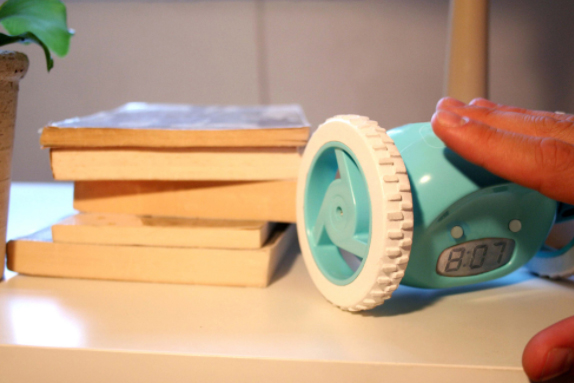 This alarm clock helps an individual to get off from their bed, the main functionality of it this clock is that it roam around the whole room and automatically hide when to try to off the alarm. So with this clock, you will not have an opportunity to snooze and go back to bed. The clocky robotic alarm will ensure that you will not sleep again.Its a smart alarm solution.
Wireless LED light bulbs
Now with the wireless LED light bulbs, you can just say goodbye to the conventional on/off wall switch and can experience new age lighting system. This bulb can be controlled easily with the help of your smartphone. This lighting system is controlled with help of mobile app through WiFi Bridge. With this technique, you can easily turn the lights on or off remotely, or you can also schedule to turn on or off from your device. This high quality LED lights are energy saving. They are ideally suited for the home as well as office environments.
Read Also : Incandescent Vs LED Vs CFL Vs Halogen : Choosing the right bulb guide
Bediator:
This uses the room heating technology and offers the ideal room temperature in the bitter winter season. Just as the traditional radiators, Bediator is energy efficient and it helps you in saving the bills. It is a highly stylish radiator which turns in to the bed with just a flip. This LED display is ideal for your room as it can adjust accordingly and provides ideal room temperature. 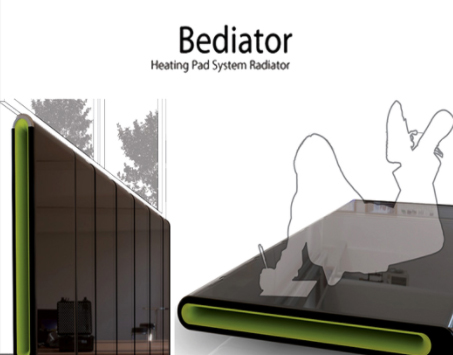
Smart Faucet
This is an environment-friendly faucet which can usually save up to 15,000 gallons per unit per year. You can actually save the water with this faucet which is an innovative technology and hence conserve water sources.Thus, the faucet is perfect for the children as well as elders. This technology is inexpensive and its main purpose is to conserve the water as well as to preserve the environment. This is really a great deal to consider this as Best Smart Home Gadgets.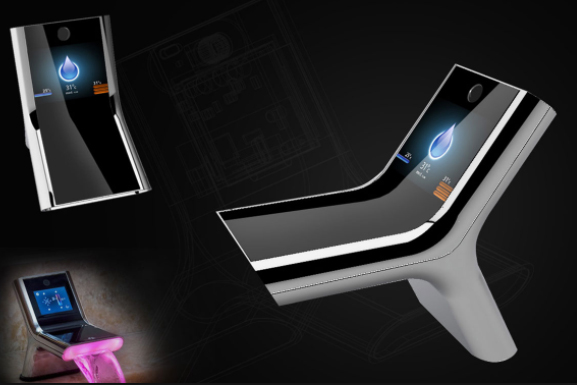
Wireless speakers
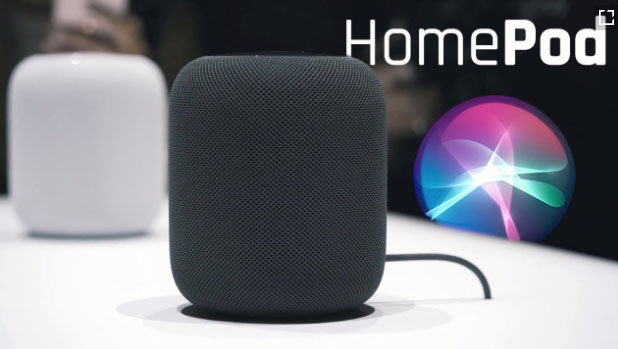
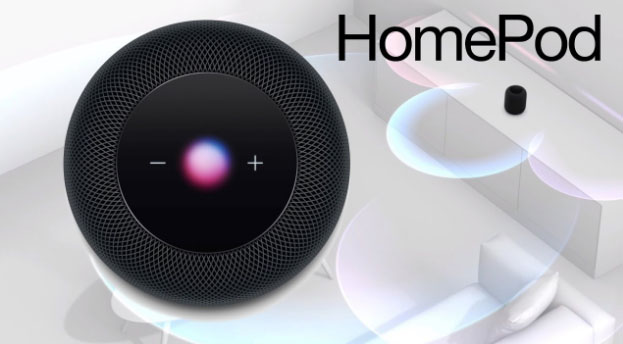
The stand alone WiFi home speakers are best so as to enhance the pleasure of music. These speakers can easily be controlled with a smartphone application and the app provides access to your iTunes library and other streaming services which offers great flexibility. 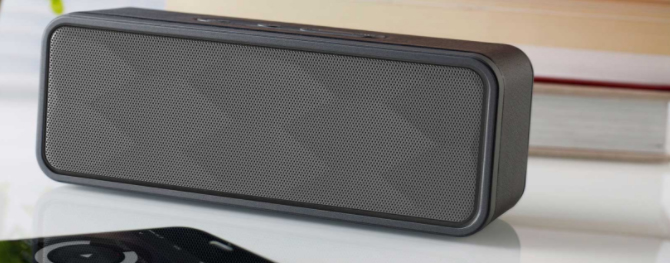 These speakers give the flexibility to play the music from any device if you have the app in it. The speakers have a compact design and make the decor of your home classy. The audio quality of these speakers gives crisp and clear high-frequency response. But, if you enjoy music, then these wireless speakers are ideal for your home.
Read Also : Best Garage Band Alternatives for Windows and Mac
Read Also : Best iTunes Cleanup Software for better iTunes experience
Book Light:
Getting worried that your reading habit at bed time will disturb your partner? Then, book light is an ideal option for you. It is an integrated LED display encased in a plastic body that offers discreet lighting that suits your needs. 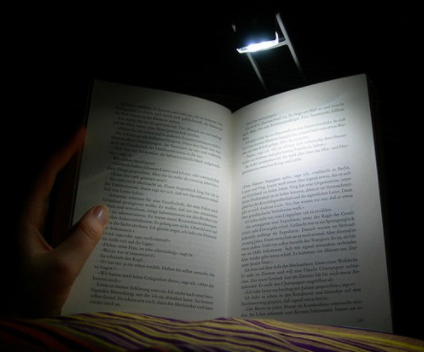 This light has provided you with an option such that you can easily adjust the brightness and viewing angle. This product is highly suitable for the long distance travel such that you can read your favorite book without any hassles.It’s not just a Best Smart Home Gadgets but also ideal for you as a lifestyle gadget .
Solar-powered path light:
The solar LED path lights are one of the ideal eco-solution for your garden. This solar powered path light does not require any wiring or electricity. You can easily conserve the energy as well as you can also save the money on the electricity bill with this smart gadget.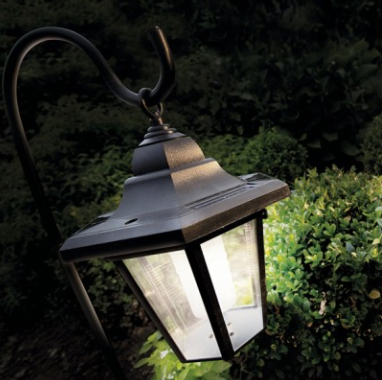 In fact, you did not have to worry about the dark garden when you are away from home and you have installed this energy efficient light.
Z-Wave Wireless Door/Window Sensor:
The Z- wave enabled devices are ideal for monitoring your doors as well as windows. They provide the appropriate security for your home as well as to your office. This gadget is highly cost effective security system which can provide you an alert if any intrusive activity happens.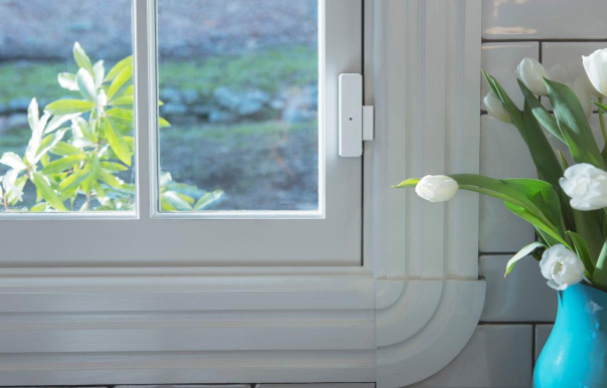
With the help of your app in the smartphone, you can easily monitor the door. This app will send you the message as well as email you , so as to make you know about your home safety 24 x 7.
Thermal leak detector:
This gadget helps you in detecting the leaks present in the home. They are highly efficient to monitor the ducts, windows, and other vulnerable insulation spots. You can easily scan up the area with the detector. This detector if found any leak in the home then it changes the warmer spots in red and colder spots in blue. 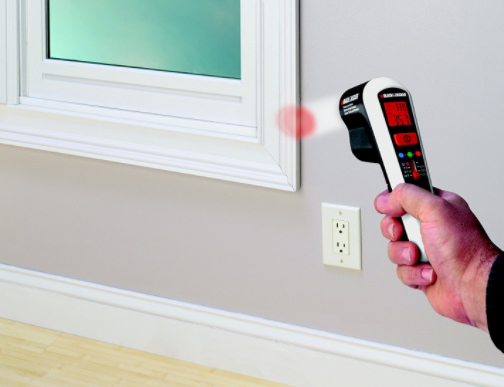 Also, you can use this gadget to check the efficiency of your refrigerators, freezers, and automobile coolant system.If you have installed this detector than you can easily detect the leaks which leave you in surprise as they are not visible.
Air purifier:
This is a compact gadget which purifies the air and helps in maintaining appropriate humidity in the room.Also, it removes bad odors from a room and is highly portable. This gadget consumes less power as well as energy efficient.
Read Also : Go green idea-10 Simple Ways to Go Green in Your Home
Shower meter:
This shower meter is a water meter which is used to conserve the resources. This gadget saves up to 440 kWh of energy as well 8500 liters of water each year. The gadget does not require any kind of battery or electricity but can be easily charged up with the water flow. 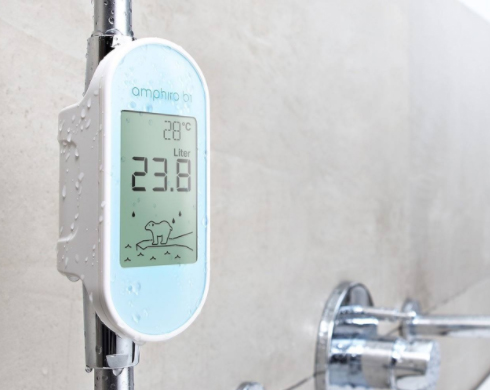 This device displays up to the real time information of the water temperature and for the climate change. You can install this device easily in your home. Installing up the device does not require any tools.
LG ThinQ Refrigerator:
This refrigerator is a 3 door LCD with an eight-inch WiFi LCD. This refrigerator has impressive design and thus offers the storage options such as the Glide and Server drawer. The touch screen of this gadget monitors the refrigerator and gets controlled with the help of smartphone app.
Sony Eclipse:
This gadget is an innovative media player which gets charged through a photovoltaic cell. Using the Sony eclipse, you can easily save the energy which makes it self-reliant. This gadget is a great companion which you can have when you move out from home for your work.
Smart Body Analyzer:
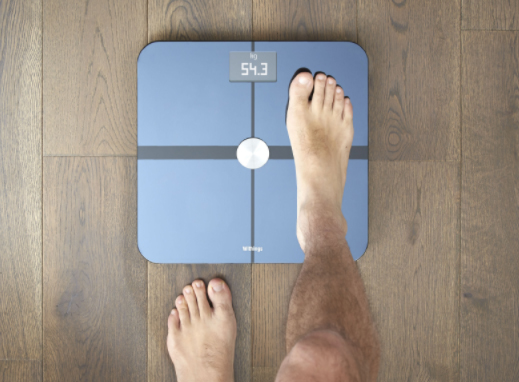
This gadget is a complete health tracking tool which visualizes like a normal weighing scale and offers detailed health data. This gadget measures the fat percentage and room air quality.From the mobile app you can easily monitor the data which can be synced up using the mobile app and you can easily set up the goals and track your progress.
Read Also : Amazing Fitness Apps To Track Calories & Keep You Motivated
Read Also : Weight loss booster Foods you should take before & after exercise
Motion Sensor PowerStrip with 8 Outlets:
This gadget conserves the energy by detecting the human movement in the surrounding area. The four outlets of this gadget turn off automatically if it does not detect any human movement. This technology can save up the energy by switching off the peripheral devices when they are not in the use. This device is ideal for the networking as well as entertainment.
Reusable dryer ball:
This gadget helps in softening the ball and thus reduces the time by 25%. This ball is a natural source for maintaining the softness of your fabric. This reusable dryer ball is made without the use of any chemicals. The gadget allows up the air to move freely and thus provides faster drying. This ball is made up of the plastic as well as some other kinds of materials.
These are the top trending , must have Best Smart Home Gadgets for every smart home.